Sample 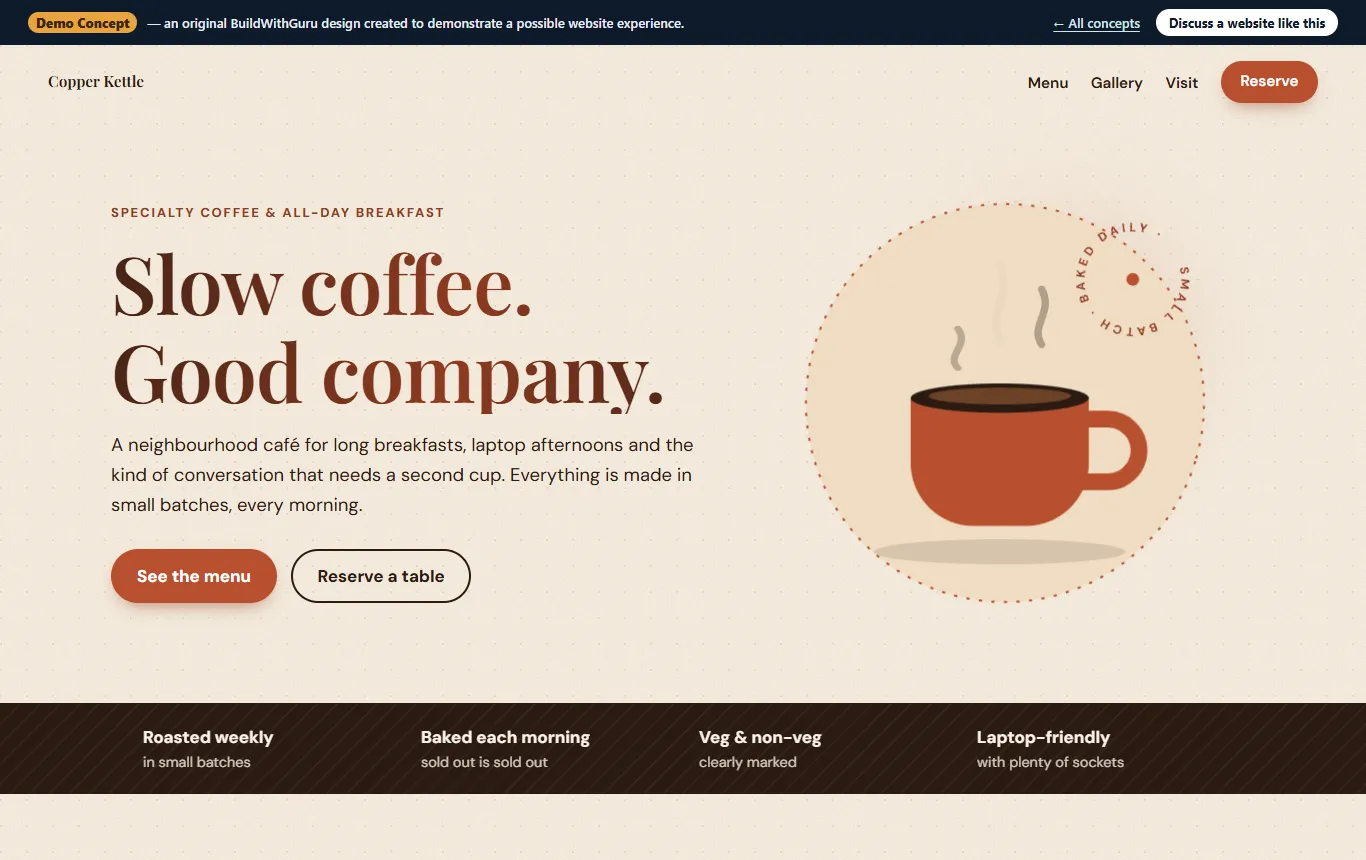
Copper Kettle Café — Café Website Concept
An original demo of a café website with a real text menu, gallery, opening hours, directions and WhatsApp table enquiries.
Explore ProjectRestaurants & cafés
Someone deciding where to eat usually wants four things quickly: what is on the menu, whether it looks good, where you are and whether you are open. A restaurant website that gives those answers in seconds will win the table over one that makes people hunt.
Menus saved as images are slow, hard to read on a phone and invisible to search engines.
Hours that differ between your sign, Google and Instagram frustrate customers who arrive to a closed door.
Third-party apps control how you look and what you pay. Your own site is the place you control.
Group bookings and event questions scattered across messages are easy to miss.
We build the menu as real text on the page, organised by section with dish descriptions and prices where you want them shown. Customers can read it on a phone, and search engines can read it too.
Photos matter more here than almost anywhere else. We use your own pictures and show you how to take usable ones. We do not fill the site with stock food photography that does not match your plate.
Hours, menu and directions are answered once, on the page.
Your story and photos are not at the mercy of a third-party app’s layout.
Change a price or a special in minutes, without a developer.
4 clear steps, so you always know what happens next and what is expected of you.
Cuisine, atmosphere, customers and what you want them to do.
Menu, hours, photos and contact details.
A look that matches your venue, built phone-first.
Check the menu, map and enquiry flow on real phones.
An original demo of a café website with a real text menu, gallery, opening hours, directions and WhatsApp table enquiries.
Explore ProjectA simple enquiry or pre-order form is easy to add. Full online ordering with payments is a larger scope, which we quote separately, and often sits alongside your existing delivery channels.
Yes. The menu is built so you can change dishes and prices without touching code. We show you how.
No. We use your pictures and advise on taking good ones with a phone. Photography is not part of our packages.
No. It is an original, clearly labelled demonstration concept that shows what a café website could look like.
Plain-language articles on the questions people ask before they commit.

Guru Prasad YFounder, BuildWithGuru
I design and build every project myself, so the person you talk to is the person who builds it.
Tell us about your business and what you need. We will suggest a practical starting point and explain exactly what is and is not included.