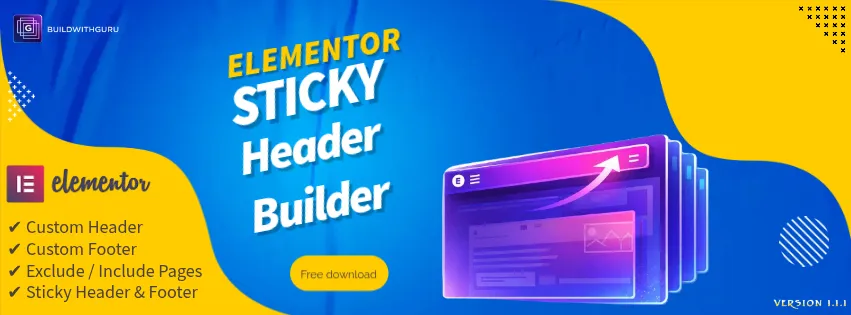
Sticky Header & Footer Builder for Elementor
A free WordPress plugin for designing custom headers and footers in Elementor, with optional sticky behaviour on the whole site or only selected pages.
Explore ProjectElementor development
Elementor makes it easy to design visually, and just as easy to build a heavy, messy site. We use it with discipline: lean layouts, reusable templates and clear structure, so the site you can edit yourself is also the site that loads quickly.
Deeply nested sections, too many widgets and unoptimised images are the usual reasons an Elementor page loads slowly.
Every page styled by hand drifts over time. Fonts, colours and spacing stop matching.
Without a clear structure, changing one block can rearrange the whole page on mobile.
Theme-controlled headers and footers can be hard to customise and awkward to make sticky.
We build global styles first: colours, fonts and spacing defined once and reused everywhere. Changing the brand colour is then one edit, not fifty.
We keep structure shallow, use the widgets a page needs and no more, and check how every layout reflows on small screens. Images are sized and compressed before they are uploaded.
We also build for Elementor ourselves. Our free plugin, Sticky Header & Footer Builder for Elementor, is published on WordPress.org and lets you design custom headers and footers in the Elementor editor with optional sticky behaviour.
A tidy structure and reusable templates mean changes stay predictable.
Lean markup and optimised assets address the main reasons Elementor sites feel slow.
Global styles keep every page looking like the same business.
5 clear steps, so you always know what happens next and what is expected of you.
For an existing site we review structure and speed. For a new one we agree the design and pages.
Colours, type and spacing defined once, then components built on top.
Pages assembled from the reusable parts, checked on every screen size.
Image, font and script tuning, then cross-device testing.
A walkthrough covering how to edit safely.
A free WordPress plugin for designing custom headers and footers in Elementor, with optional sticky behaviour on the whole site or only selected pages.
Explore ProjectIt can be heavy if used carelessly, but a lean build with optimised images and a tidy structure performs well. The result depends far more on how it is built than on the tool itself.
Not always. Some features, such as the theme builder, need Pro. We tell you before you buy and avoid it when the free version is enough.
Often we can improve it a lot. We measure first, then change only what the data points to. The performance optimisation page explains the approach.
Yes. We can build one in Elementor, or you can use our free Sticky Header & Footer Builder plugin for simple cases.
Plain-language articles on the questions people ask before they commit.

Guru Prasad YFounder, BuildWithGuru
I design and build every project myself, so the person you talk to is the person who builds it.
Tell us about your business and what you need. We will suggest a practical starting point and explain exactly what is and is not included.