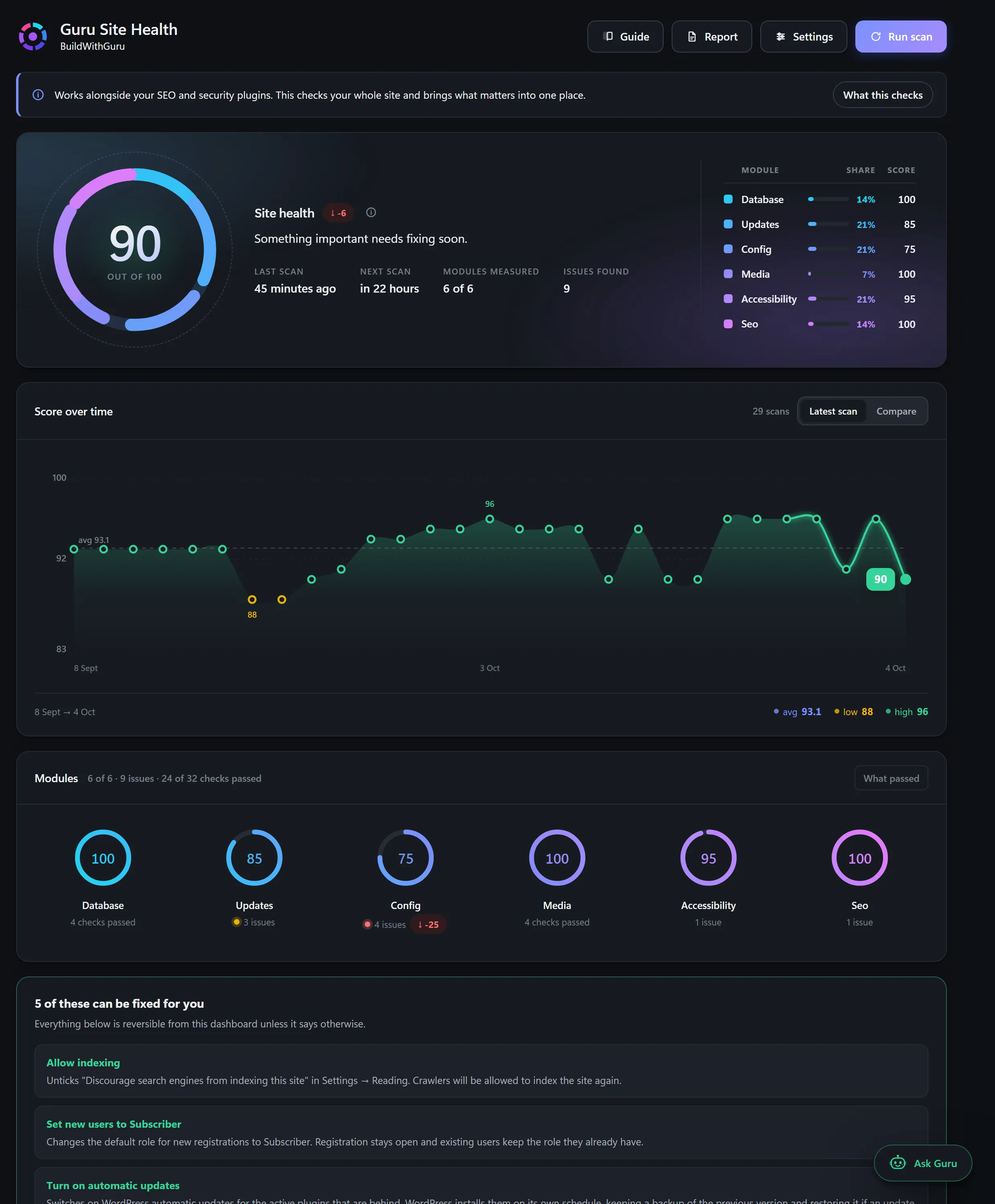
Guru Site Health
A free, open-source WordPress audit plugin that scores a site out of 100, explains each problem in plain English and fixes thirteen of them with one click and an Undo.
Explore ProjectPerformance optimization
Speed advice is full of folklore. We start with measurements, find the specific causes on your site and change only what the data points to. That means fewer risky guesses and results you can verify.
Photos uploaded straight from a phone or camera are often several times larger than the page needs.
Every plugin can add files and queries, including on pages where it does nothing.
Old revisions, expired transients and large autoloaded options are loaded on every request.
A slow server or missing page cache adds delay before the page even begins to arrive.
Google’s published thresholds for a good experience are Largest Contentful Paint at or under 2.5 seconds, Interaction to Next Paint at or under 200 milliseconds and Cumulative Layout Shift at or under 0.1. We use these as targets, not promises. Results depend on your hosting, content and traffic.
We build tools for this ourselves. Guru Site Health, our WordPress audit plugin, checks for issues that quietly slow a site, such as large autoloaded options, accumulated post revisions and expired transients, and shows them in plain language.
We take a before-and-after measurement on the pages that matter, so you can see what changed and what did not.
You see the numbers before and after, on the pages that matter.
Changes follow measurements, with a backup before anything is touched.
Faster pages are easier to use, and Core Web Vitals are part of how Google assesses page experience.
5 clear steps, so you always know what happens next and what is expected of you.
Baseline tests on key pages and a look at what loads.
Find the specific causes: images, scripts, plugins, database or hosting.
Take a backup, then make changes in order of impact.
Measure again and compare with the baseline.
A plain summary of what changed and what is left.
A free, open-source WordPress audit plugin that scores a site out of 100, explains each problem in plain English and fixes thirteen of them with one click and an Undo.
Explore ProjectNo. Scores vary between runs and depend on hosting and content. We aim to improve real-world speed and the Core Web Vitals targets, and we show our measurements.
Only the ones that are redundant or harmful, and only after checking what each one does. We take a backup first and test afterwards.
Sometimes. We test to find out instead of guessing, and tell you honestly when hosting is the limit.
Yes. These tend to accumulate weight, so they often have the most to gain. Both have dedicated pages on this site.
Plain-language articles on the questions people ask before they commit.

Guru Prasad YFounder, BuildWithGuru
I design and build every project myself, so the person you talk to is the person who builds it.
Tell us about your business and what you need. We will suggest a practical starting point and explain exactly what is and is not included.